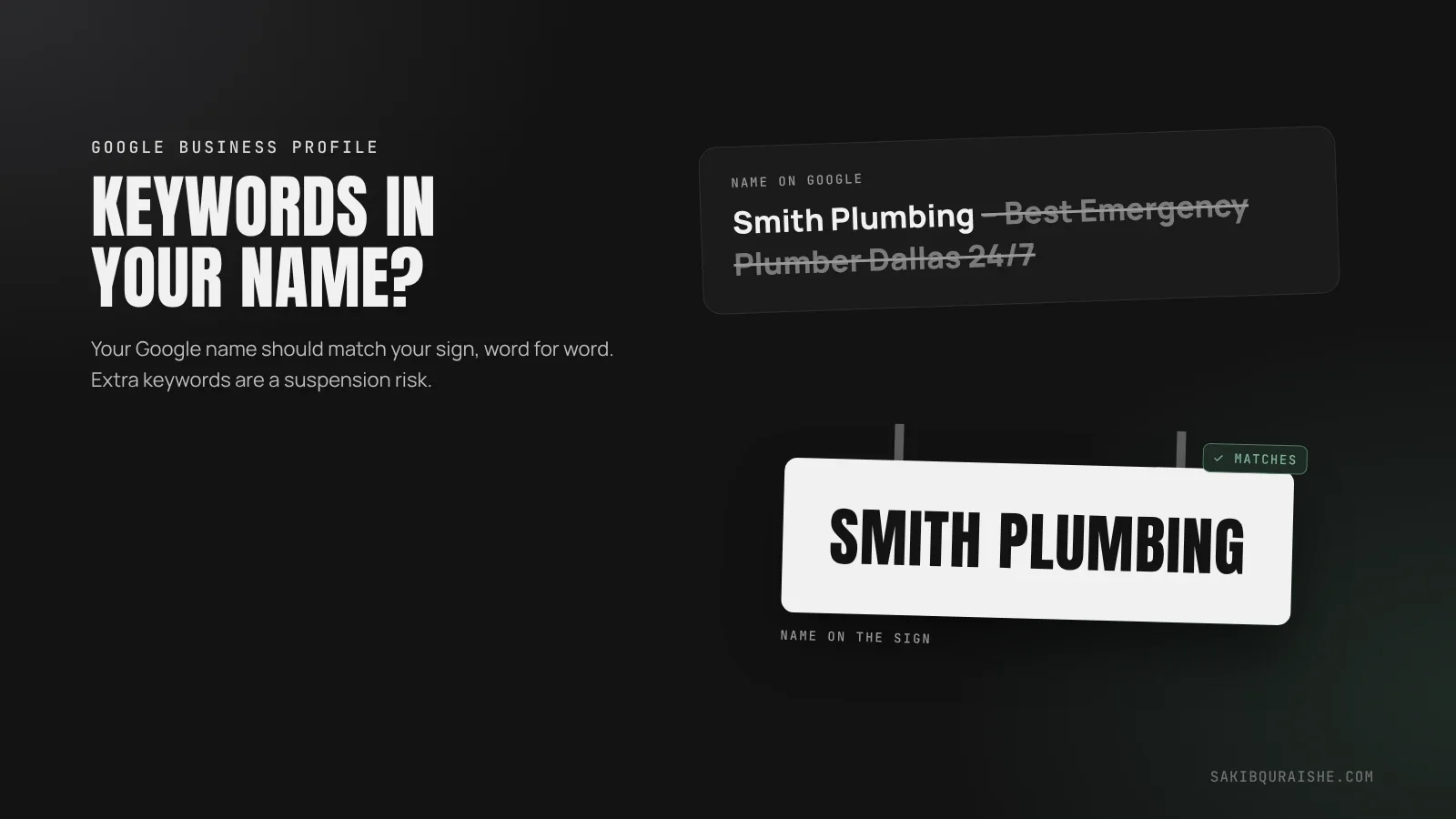
You shouldn't add keywords to your Google Business Profile name unless they're part of your real, registered business name. Keywords in the name do boost Maps rankings, but Google's guidelines don't allow them, and a stuffed name can lead to a forced name change, lost rankings or a suspension. The safe route is a genuine rebrand, done everywhere.
- Keywords in the business name are one of the strongest Maps ranking factors, which is why spammers use them.
- Google requires your profile name to match your real-world name. Extra keywords break that rule.
- The boost disappears the moment Google or a competitor removes them, and a suspension can follow.
- The legitimate way: change your actual business name everywhere, with proof.
- Put keywords in your categories, services, website and reviews instead.
Business owners usually ask this right after they notice a competitor called "Best Emergency Plumber Dallas 24/7" sitting above them on the map. It's a fair question, so here's the honest answer, backed by the published tests.
Do keywords in your business name help rankings?
Keywords in your business name do help rankings, and by a lot. In Whitespark's 2026 Local Search Ranking Factors survey, "keywords in GBP business title" ranked #3 of 187 factors for local pack and Maps rankings. Only your primary category and your distance from the searcher ranked higher.
Testing backs it up. Sterling Sky added "Salad Bar" to the name of a restaurant that didn't have a salad bar, and its ranking for "salad bar" searches jumped. When the words came off, the ranking fell back; when they went back on, it rose again.
Rankings depend on much more than your name. See what is local SEO and how it works.
What does Google allow in a business name?
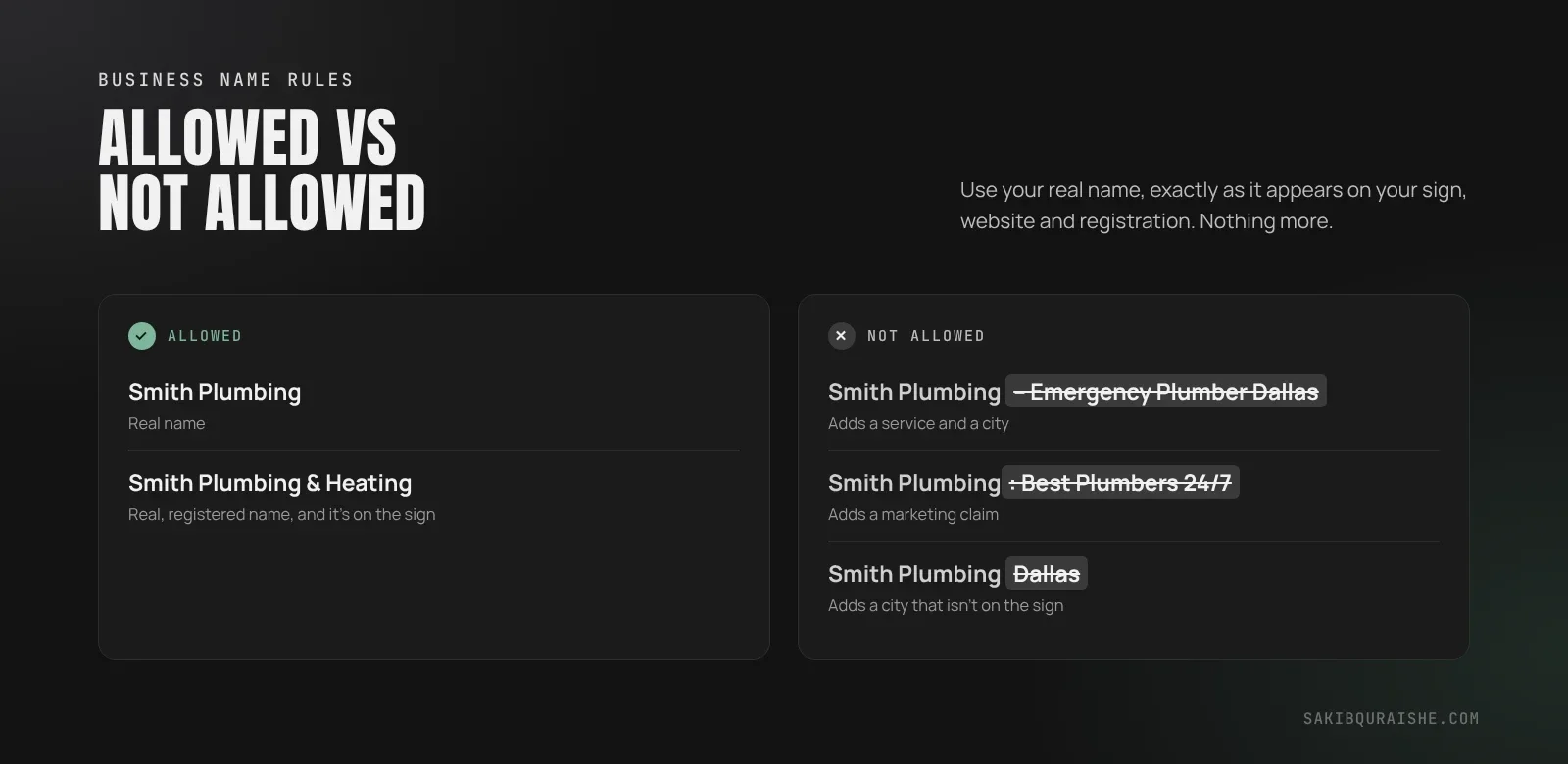
Google allows your real business name, exactly as it appears on your signage, website, stationery and registration, and nothing more. Google's guidelines for representing your business don't allow extra marketing words, service descriptions, locations or phone numbers in the name.
| Example | Allowed? | Why |
|---|---|---|
| Smith Plumbing | Yes | Real name |
| Smith Plumbing & Heating (registered and on the sign) | Yes | Real, registered name |
| Smith Plumbing – Emergency Plumber Dallas | No | Adds a service and city |
| Smith Plumbing: Best Plumbers 24/7 | No | Adds a marketing claim |
| Smith Plumbing Dallas (when the sign says "Smith Plumbing") | No | Adds a location that isn't part of the name |
What happens if Google catches a keyword-stuffed name?
If Google catches a keyword-stuffed name, it usually edits the name back to your real one, and your rankings drop straight away. Sometimes it suspends the profile.
- Whitespark added "SEO company Edmonton" to its own listing as a test. Rankings for that term shot up, then Google changed the name about a month later and the rankings fell.
- Sterling Sky tracked a drug rehab center that dropped from #1 to #7 two days after Google removed the keywords from its name.
Keyword stuffing in the name is also one of the most common suspension triggers. If that happens, here's what to do when your Google Business Profile is suspended.
More in the most common local SEO mistakes.
Is it ever OK to have keywords in your business name?
It's OK to have keywords in your business name when they're genuinely part of it. If your registered name, or a registered trade name (DBA), is "Oak Creek Roofing", and that's what's on your sign, website, invoices and bills, then "Roofing" is simply your name. Nothing needs to change, because Google's guidelines for representing your business ask for your real-world name, and that is it.
How do you legitimately add a keyword to your business name?
You legitimately add a keyword to your business name by changing your actual business name everywhere, not just on Google. Whitespark recommends this checklist:
- Register the new name (or a DBA) with your state, province or country registry.
- Update your business license.
- Change your exterior signage and photograph it.
- Update your website, logo and email signatures.
- Update your phone and utility accounts so bills show the new name.
- Update your citations and directory listings. Here's why NAP consistency still matters.
- Only then, update your Google Business Profile, and keep your proof ready in case Google asks you to verify.
Done properly, it works. Whitespark tracked a roughly 24-location business through a full rebrand: the number of keywords ranking in the top 3 rose from about 274 to 520.
What should you do if your name already has keywords in it?
If your name already has keywords in it that aren't part of your real name, remove them before a competitor reports you or Google's systems catch it. Expect rankings for those keywords to drop, and plan to make up the gap with the legitimate levers below. If you'd rather keep the keyword, the only safe option is a real rebrand.
Should you report competitors who stuff their business names?
You should report competitors who stuff their business names if they're outranking you with names that break the rules. Use "Suggest an edit" on Google Maps to change the name to the one on their signage. For repeated cases, use Google's Business Redressal Complaint Form with evidence, such as a Street View screenshot of their real sign. Sterling Sky notes it often takes more than one report before Google acts. More in how to report fake Google Maps listings.
Where should keywords go instead?
Keywords should go in the places Google expects them, starting with the ones that carry the most ranking weight:
- Primary and secondary categories. Your primary category ranked #1 in Whitespark's survey. See how to choose your Google Business Profile categories.
- Services. Predefined services ranked #22; add custom ones with the words customers search. See GBP services.
- The page your profile links to. Put your main service and city in its title tag and H1.
- Reviews. Ask customers to mention the job they hired you for. See how to get more Google reviews.
- Description and posts. Useful for customers, small for rankings.
Adding "near me" to your name or pages doesn't help either. See how "near me" searches work.
Does your business name matter for AI search?
Your business name matters for AI search because AI tools like ChatGPT and Google's AI Overviews need to recognize your business as one consistent entity across the web. A name that changes from site to site, or carries different keywords in different places, makes that harder. Using one real name everywhere is the safer bet for both Maps and AI answers. More in GEO explained and on my AEO / GEO service page.
FAQ
Can I add my city to my Google Business Profile name? You can't add your city to your Google Business Profile name unless the city is part of your real business name, as shown on your signage and registration.
Can I use my DBA as my Google Business Profile name? You can use your DBA as your Google Business Profile name if it's officially registered and it's the name customers see on your signage, website and invoices.
Will changing my business name trigger re-verification? Changing your business name can trigger re-verification, so have your updated registration, license and signage photos ready before you change it on Google.
How long does Google take to act on a name report? Google can take anywhere from days to weeks to act on a name report, and sometimes needs more than one report. Strong evidence, like a photo of the real sign, helps.
Why does Google let competitors get away with keyword names? Google lets some keyword names slip through because its systems don't catch them all. Google tried to reduce the effect with its Vicinity update in late 2021, but rolled much of it back in 2022.
Want a second opinion on your profile?
If competitors with stuffed names are outranking you, I can check your profile, find what legitimately moves you up and help you report the violations. Request a free local map audit, or see my Local SEO service. For every part of your profile, read my Google Business Profile checklist.
For a profile set up the right way from the start, see my Google Business Profile optimization service.
Sources
- Sterling Sky: Keyword stuffing in GMB names
- Whitespark: Keywords in business name impact rankings
- Whitespark: 2026 Local Search Ranking Factors (name keywords #3, mentioned by name)
- Google: Guidelines for representing your business
- Also read: OllyOlly, Semrush. Could not load: Google Community threads 345890519 and 465916506; business.google.com is a product page.