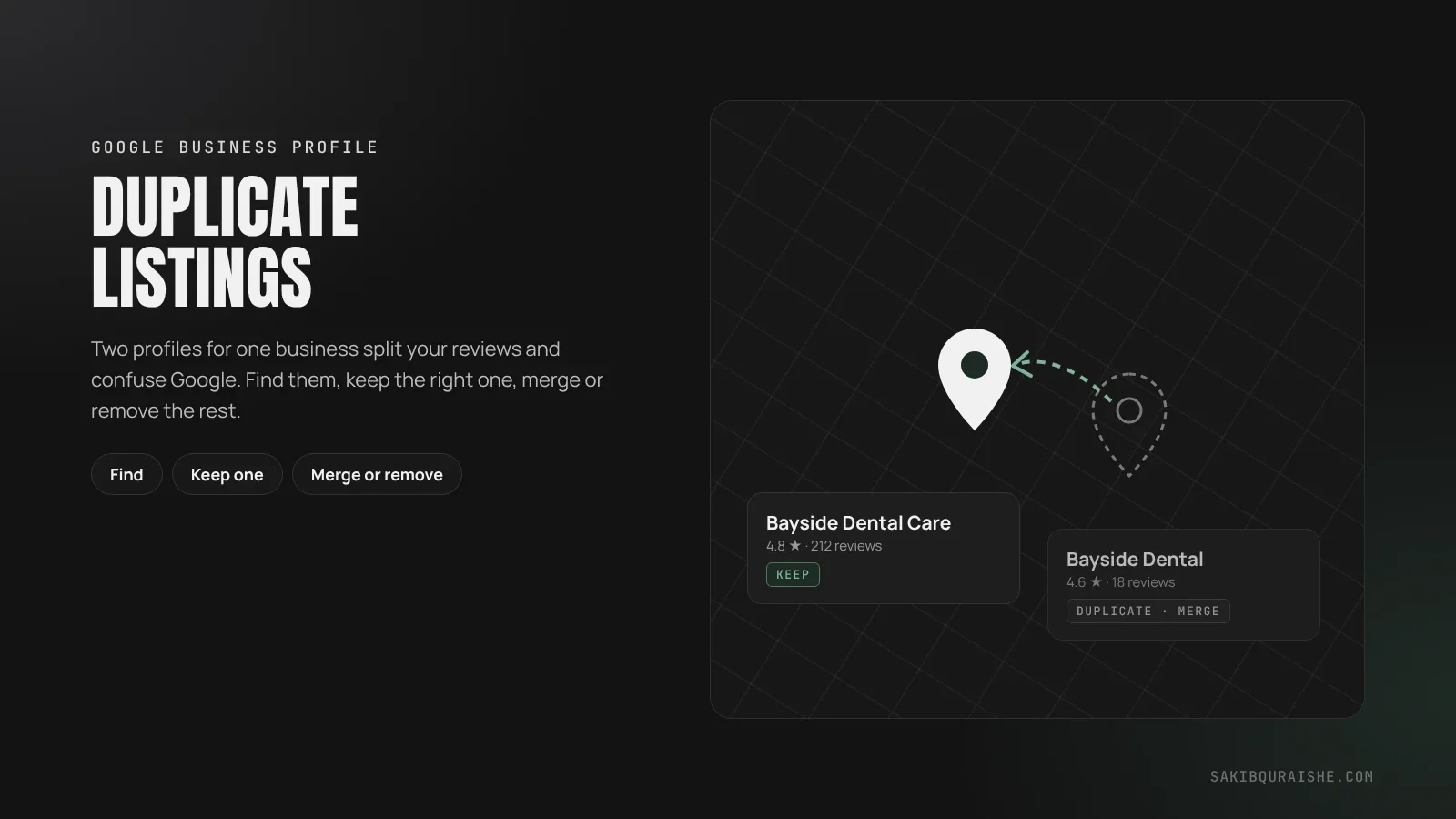
You find duplicate Google Business Profile listings by searching Google Maps for your business name, phone number and address. Then decide which listing to keep (usually the verified one with the most reviews), and remove or merge the rest: delete duplicates you created, request ownership of ones you don't control, or suggest a merge on Google Maps.
- Google allows one Business Profile per business. Extra ones are duplicates and get hidden or cause problems.
- Search your name, phone and address on Google Maps to find them.
- Keep the verified listing with the most reviews and correct details.
- Remove duplicates you created; request ownership or suggest a merge for the rest.
- Merged listings combine reviews, but review replies may be lost.
Duplicates are one of the quiet problems I look for in every audit. They split your reviews, confuse customers and can put your main profile at risk. Finding them takes a few minutes of searching.
What is a duplicate Google Business Profile listing?
A duplicate Google Business Profile listing is a second (or third) profile on Google for the same business at the same location. Google allows only one profile per business, so it hides duplicates from Search and Maps and may flag profiles that share an address or split one business into several service-based listings.
Why do duplicate Google Business Profiles happen?
Duplicate Google Business Profiles usually happen in one of four ways, as Whitespark describes them:
- User-added listings. A customer adds your business on Google Maps without realizing it already exists.
- Forgotten listings. You lost access to an old profile, or a former agency kept it, so someone created a new one.
- Automatic listings. Google creates a listing when it finds conflicting business details across the web, such as an old address in a directory.
- Spam listings. A business creates extra profiles, often with different categories or keyword names, to take up more space in the results.
Moving to a new address and creating a fresh profile instead of updating the old one is another common cause.
Duplicates are one of the most common local SEO mistakes.
How do you find duplicate Google Business Profile listings?
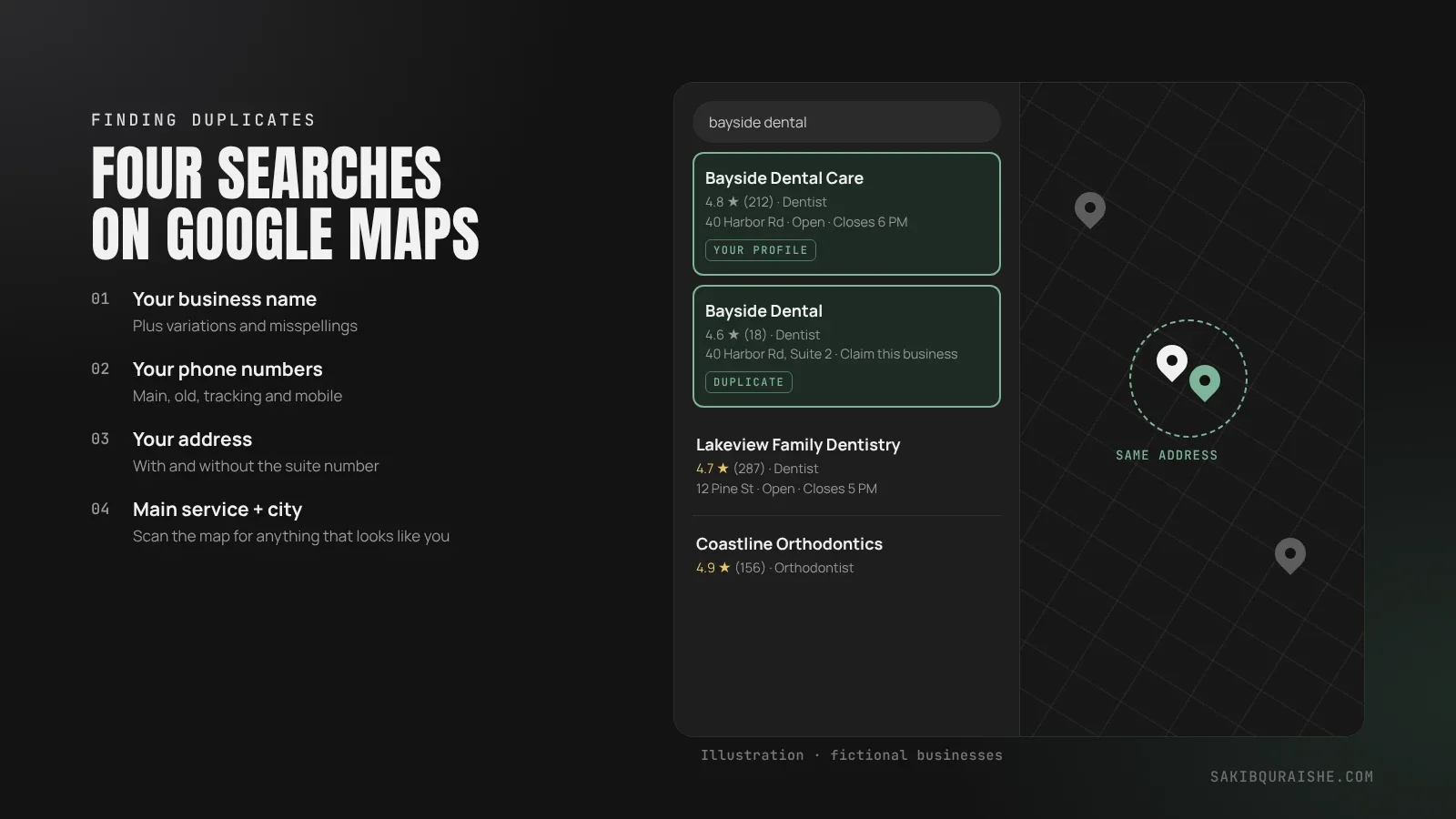
You find duplicate Google Business Profile listings with four quick searches on Google Maps, a method Whitespark recommends:
- Search your business name, plus common variations and misspellings.
- Search your phone numbers: main line, old numbers, tracking numbers and mobiles.
- Search your address, with and without the suite number, and look for other listings at the same spot.
- Search your main service + city and scan the map for any listing that looks like yours.
For each result, note whether it shows "Claim this business" (unclaimed) or "Manage this business" or no prompt at all (claimed by someone). Keep a simple spreadsheet: listing name, URL, claimed or not, review count.
Which duplicate listing should you keep?
You should keep the listing that's verified, has the most reviews and history, and shows your correct details. Use this order:
| Check | Keep the listing that… |
|---|---|
| 1. Verified | Is verified and owned by the business |
| 2. Reviews | Has more (and better) reviews |
| 3. Age | Is older, with more history |
| 4. Details | Has the correct name, address and phone, or can easily be corrected |
If the duplicate has far more reviews than your verified listing, the better move is usually to merge it into your verified one rather than delete it.
How do you remove or merge a duplicate listing?
You remove or merge a duplicate listing based on who controls it. Google's duplicate profile help page covers each case:
| Your situation | What to do |
|---|---|
| You created the duplicate by mistake | Remove it from your Business Profile account. Your verified listing isn't affected. Removing deletes that profile's content and managers, so pick carefully. |
| The duplicate is unclaimed | Report it on Google Maps with "Suggest an edit" as a duplicate, or claim it first and then remove it. |
| Someone else owns it (old agency, ex-employee) | Request ownership in Google Business Profile. The current owner has 3 days to respond. If they refuse or don't reply, you can appeal or suggest an edit. |
| Two live listings for the same business | Suggest a merge on Google Maps. Google reviews every request, and both listings must represent the same business with matching information. |
| You moved address | Update the address on your existing profile. Don't create a new one. |
| Separate listings for different services | Combine them into one profile and list the services there. |
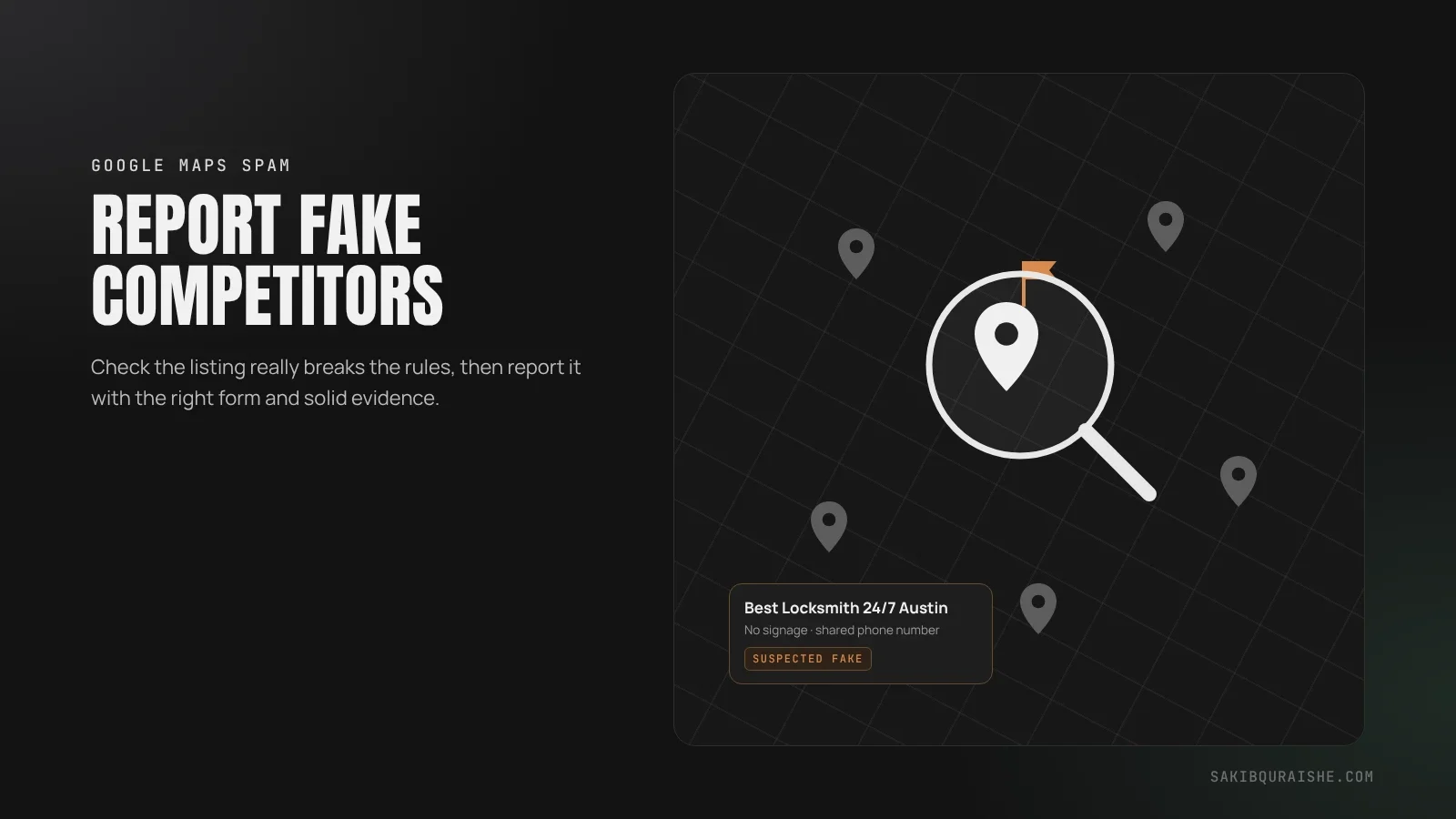
| Many duplicates or spam | Use Google's Business Redressal Complaint Form with evidence. Here's how to report fake Google Maps listings. |
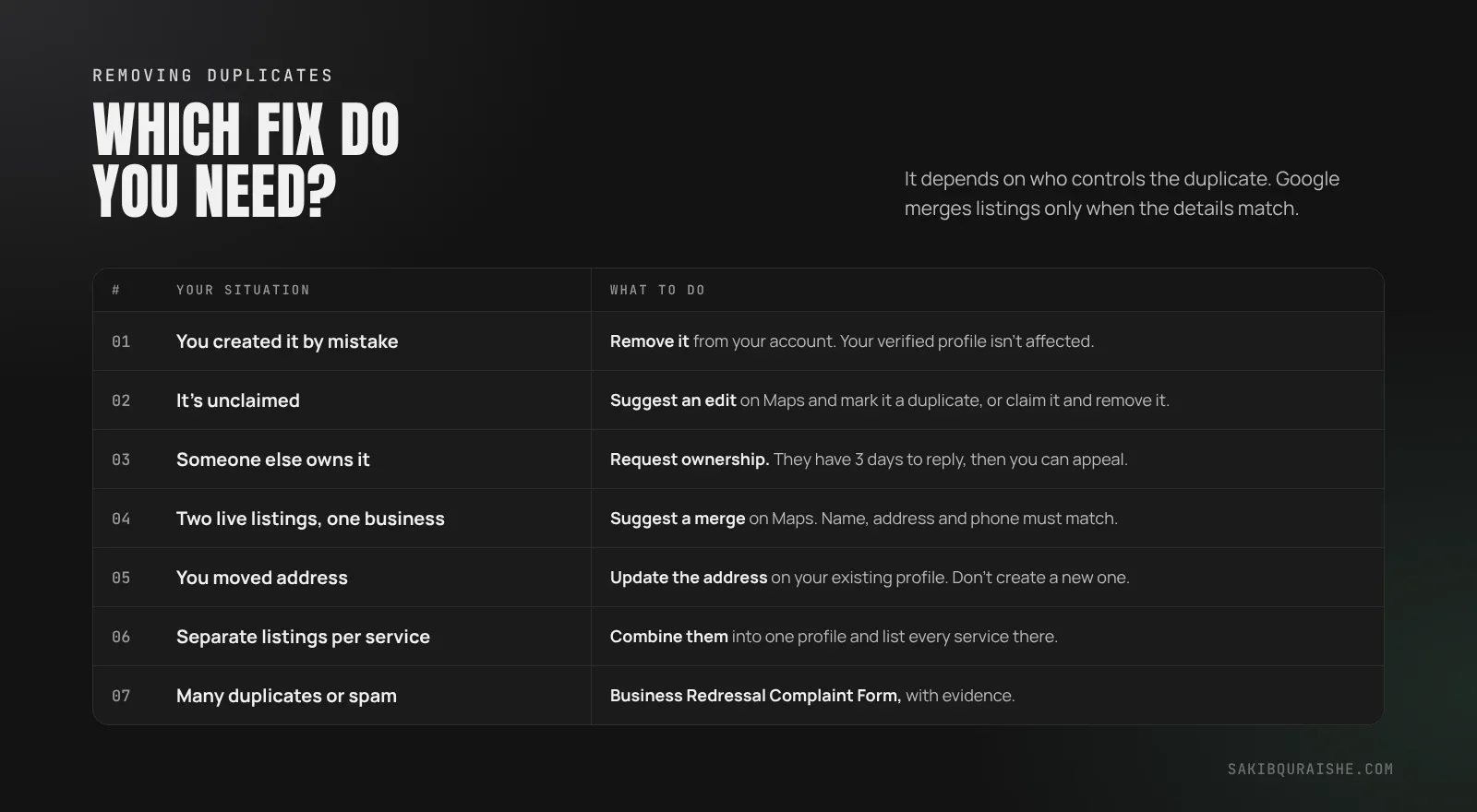
If the duplicate's name, address or phone don't match your main listing, correct them first; Google merges listings only when the details match.
What happens to reviews when listings are merged?
When listings are merged, Google combines the reviews from both onto the remaining profile. Google notes that your replies to those reviews may be lost, so save any important replies before you request a merge.
When are two profiles at one address not duplicates?
Two profiles at one address are not duplicates when they're genuinely separate businesses or allowed departments. Google allows separate profiles at the same address when each has a different name and clearly distinct signage, such as two brands sharing a building, a department with its own entrance and hours, or individual practitioners like doctors or lawyers. If Google wrongly flags yours, appeal through Google Business Profile support with photos of the separate signage.
Should you report a competitor's duplicate listings?
You should report a competitor's duplicate listings only when they're clearly spam that pushes you down the results. Whitespark points out a catch: Google may merge the duplicates instead of removing them, which can give your competitor more reviews and a higher rating. If their duplicates aren't actually outranking you, leaving them alone can be the smarter move.
How do duplicates on other directories affect you?
Duplicates on other directories, such as Yelp, Bing Places, Apple Maps or industry sites, matter because Google reads business details from across the web. Conflicting listings can even cause Google to create a new duplicate. Claim and fix them on each site. More in citation building vs citation cleanup and why NAP consistency still matters.
If terms like citation, aggregator or NAP are new, see the local SEO glossary.
Building and correcting directory listings is part of my Local Link Building service.
How do you stop duplicate listings coming back?
You stop duplicate listings coming back by keeping one source of truth for your business details:
- Search before creating any new profile.
- Keep primary ownership on an account the business controls, so you never lose access.
- Update your existing profile when you move, rebrand or change phone numbers.
- Use the exact same name, address and phone everywhere.
- Check for new duplicates every quarter.
My Google Business Profile checklist includes this check. Running several locations? See my multi-location SEO service.
For how listings fit into the rest of your local SEO, see what is local SEO and how it works.
FAQ
Do duplicate Google Business listings hurt rankings?
Duplicate Google Business listings can hurt rankings by splitting your reviews and signals between two profiles, and a duplicate can even show instead of your main listing.
Can duplicate listings get my profile suspended?
Duplicate listings can get your profile suspended, especially if they look like an attempt to take up more space in the results. Here's what to do if your Google Business Profile is suspended.
How long does it take to remove a duplicate listing?
Removing a duplicate you own is immediate. Google reviews merge and edit suggestions first, which can take a few days or longer, and ownership requests give the current owner 3 days to respond.
Can two businesses share the same address on Google?
Two businesses can share the same address on Google if they have different names and clearly separate signage. Service-area businesses should avoid this; see service-area business vs storefront businesses in local SEO.
Should I delete a duplicate that has lots of reviews?
You shouldn't delete a duplicate that has lots of reviews. Suggest a merge instead, so the reviews move to the listing you keep.
Want someone to check for duplicates?
I check for duplicate and spam listings in every audit. Request a free local map audit, or see my Local SEO service. For the rest of your profile, read my complete guide to Google Business Profile optimization.
For ongoing profile management, see my Google Business Profile optimization service.
Sources
- Google: Resolve duplicate profiles & ownership issues
- Whitespark: How do you find and deal with duplicate Google listings?
- Also read: Local Falcon, Brand Wizard.