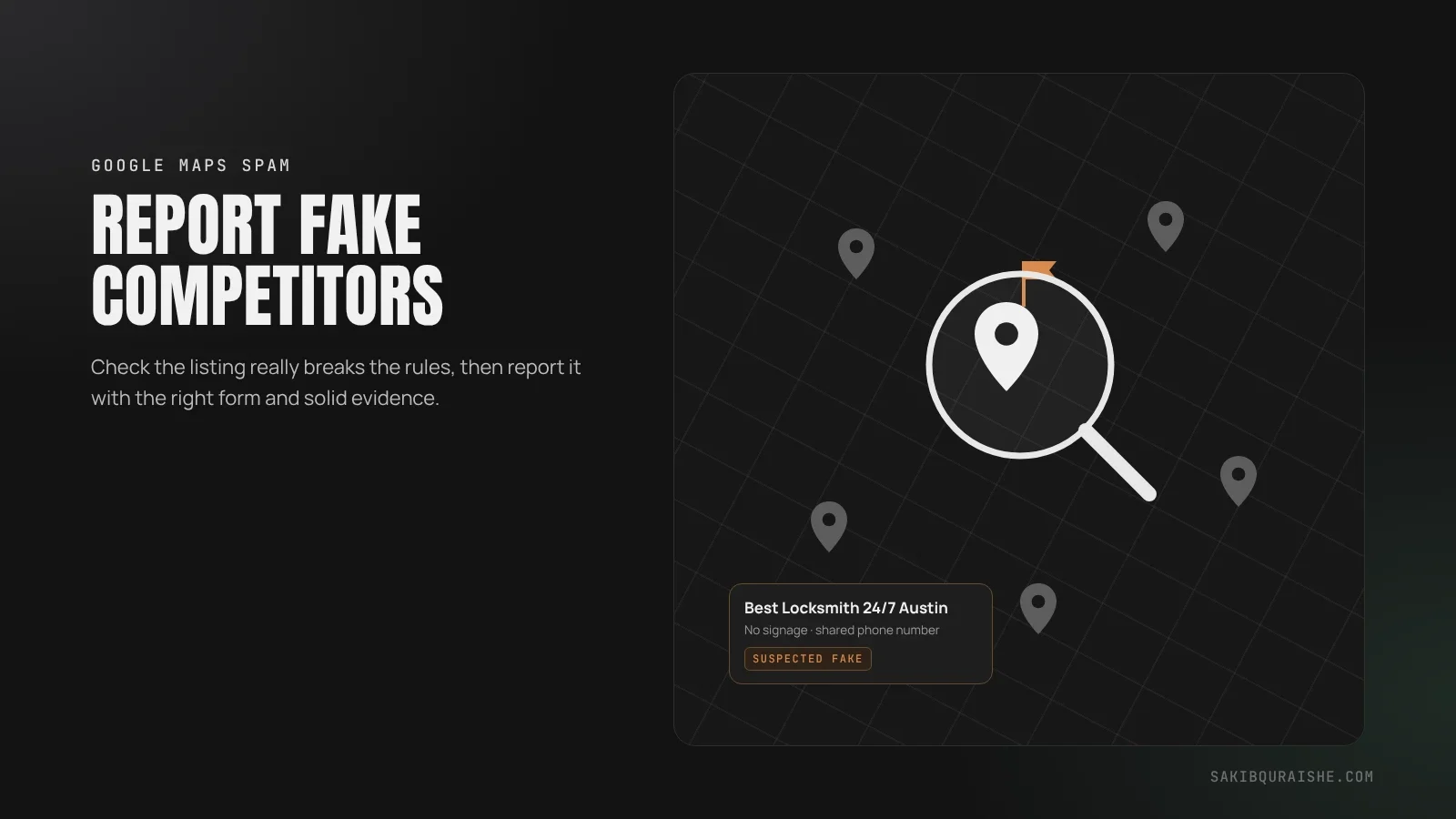
You report fake competitors on Google Maps in two ways. For a single listing, open it, choose Suggest an edit, then Place is closed or not here, then Offensive, harmful, or misleading. For stronger cases or several listings, use Google's Business Redressal Complaint Form, quoting exactly what's fake and adding evidence like screenshots and Street View.
- Check the listing really breaks Google's rules before reporting. A competitor ranking above you isn't spam.
- Use Suggest an edit for one listing or a wrong name. Use the Business Redressal Complaint Form for fake businesses, fake addresses and networks.
- Quote the exact fake content and include proof: screenshots, Street View, a call test.
- Google gives no timeline and sends no status updates. Fake listings sometimes come back.
- Never retaliate with fake reviews. That breaks Google's rules too.
Fake listings are a real problem. Google says it removed more than 13 million fake Business Profiles in 2025 alone. When one sits above you in the map pack, it takes calls that should be yours. This guide covers how to report it properly, so the report actually gets acted on.
What counts as a fake listing on Google Maps?
A fake listing on Google Maps is a Business Profile that breaks Google's eligibility rules or misleads people about the business. Google's Business Profile guidelines say a business must have a real location customers can visit, or must travel to customers. Common types:
| Type | What it looks like |
|---|---|
| Business that doesn't exist | No real company behind it, just a phone number that forwards to someone else |
| Fake address | A virtual office, mailbox store, empty lot or someone else's building |
| Keyword-stuffed name | "Best Plumber Austin 24/7 Emergency Plumbing" when the real name is "Smith Plumbing" |
| Lead-generation listing | A profile that sells your calls to whoever pays, not a real provider |
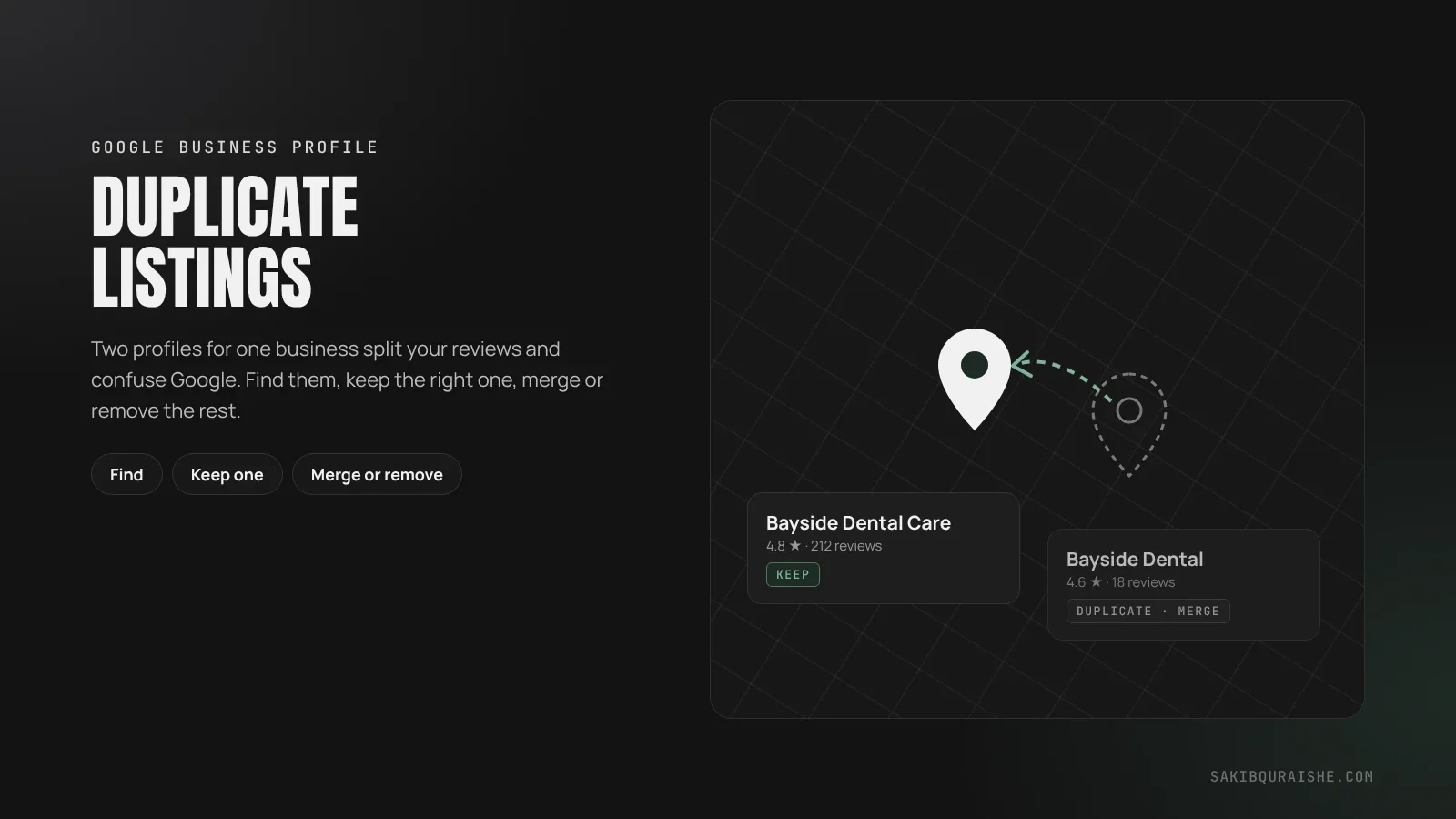
| Duplicate listings | The same business with several profiles to take more space |
| Fake reviews | Bulk 5-star reviews on their profile, or 1-star attacks on yours |
See why keyword-stuffed names break the rules, and how duplicate listings work.
Is the competitor really breaking the rules?
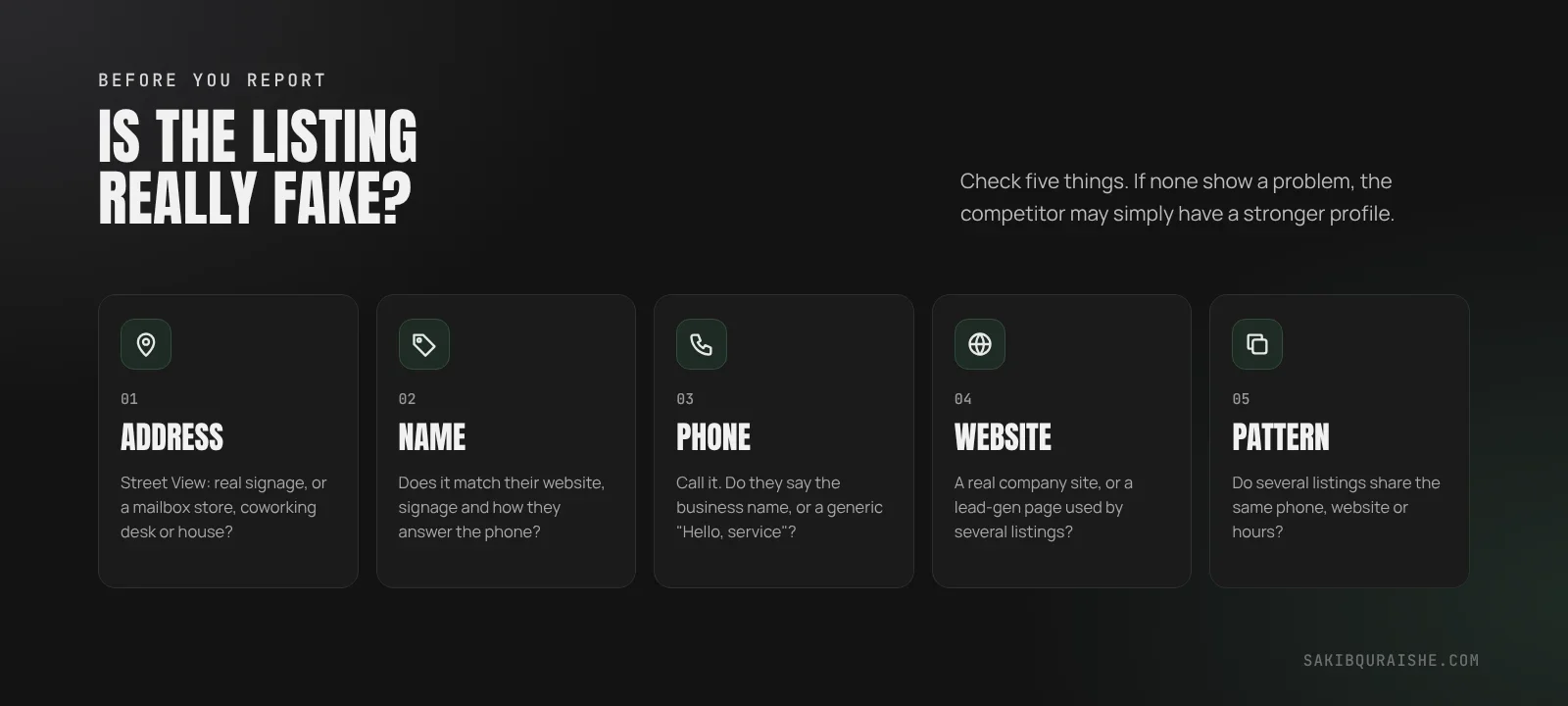
The competitor is really breaking the rules only if you can point to a specific guideline they break. Check these before you report:
- The address: Look it up on Street View. Is there signage? Is it a UPS Store, coworking space or house?
- The name: Does it match their website, their signage and how they answer the phone?
- The phone: Call it. Do they say the business name on the listing, or a generic "Hello, service"?
- The website: Is it a real company site, or a lead-gen page used by several listings?
- The pattern: Do several listings share the same phone, website or hours?
If none of these show a problem, the competitor may simply have a stronger profile. See why your business isn't showing on Google Maps.
A competitor may simply be doing local SEO better. See what is local SEO and how it works.
Which report route should you use?
The report route you should use depends on the problem. Google has separate tools, and sending a report to the wrong one is the most common reason nothing happens.
| Problem | Best route | Notes |
|---|---|---|
| One fake or misleading listing | Suggest an edit → Place is closed or not here → Offensive, harmful, or misleading | Quick, but weaker for stubborn cases |
| Keyword-stuffed name on a real business | Suggest an edit → change the name to the real one | Add their real name from signage or website |
| Fake business, fake address, misleading phone or website | Business Redressal Complaint Form | Strongest route; accepts many URLs at once |
| A network of fake listings | Business Redressal Complaint Form with a spreadsheet | Google suggests 10–100 URLs per submission |
| Fake reviews on a competitor's profile | Report the review (three-dot menu) | Use "Report business conduct" if they pay for reviews |
| Someone demanding money to stop fake reviews on your profile | Google's review extortion report form | Must be signed in as an owner or manager |
Google's help page Report a business on Google Maps confirms the first and third routes.
How do you report a fake listing with Suggest an edit?
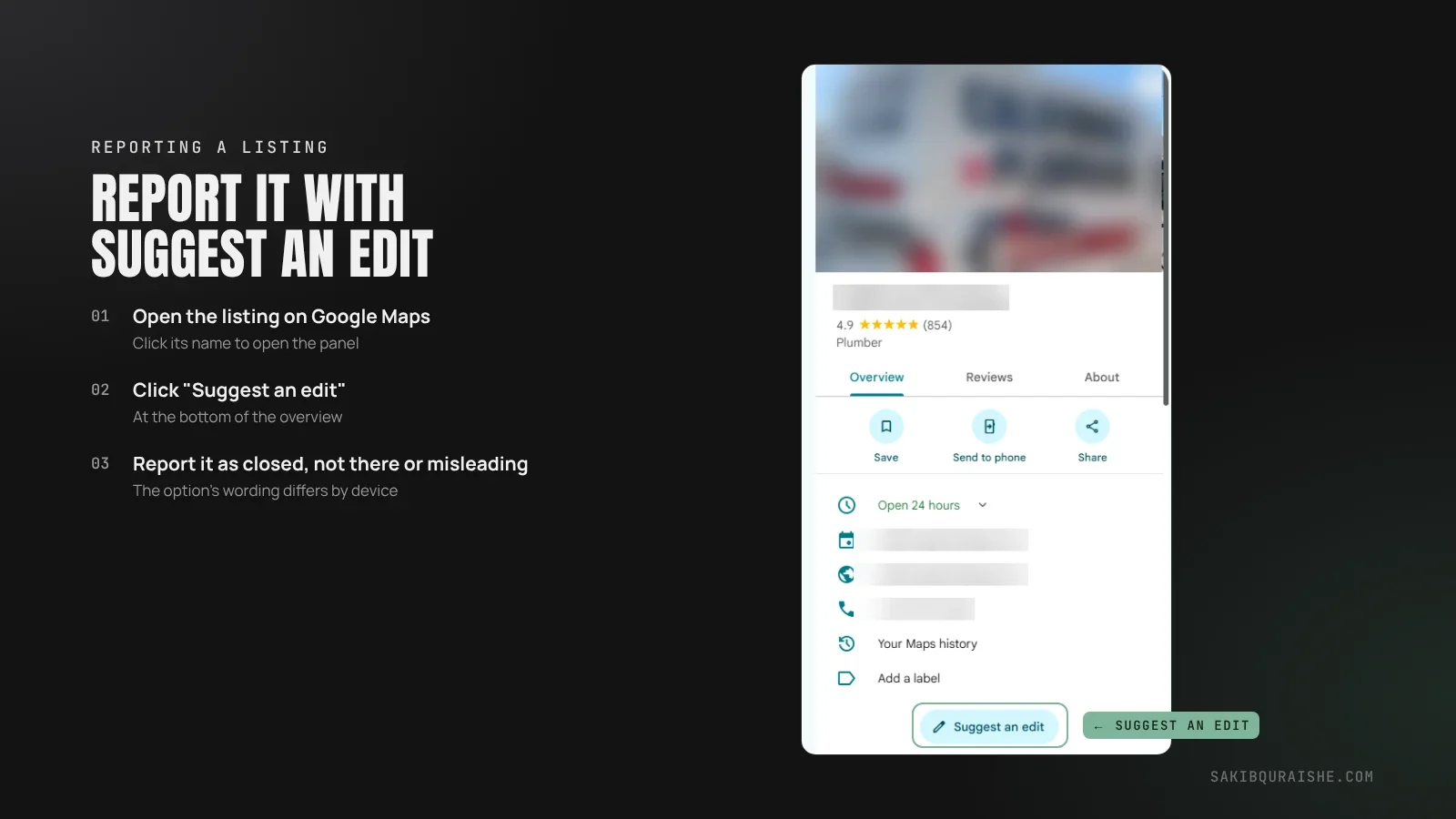
You report a fake listing with Suggest an edit in Google Maps, on your phone or computer:
- Find the listing in Google Maps.
- Click or tap Suggest an edit.
- Choose Place is closed or not here.
- Choose Offensive, harmful, or misleading.
- Submit.
For a keyword-stuffed name, choose Change name or other details instead, and enter the name they actually use on their signage or website.
Suggest an edit is quick, but it's reviewed like any other user edit, so a single report on a well-established listing often isn't enough. If nothing changes, use the Redressal form.
How do you use the Business Redressal Complaint Form?
You use the Business Redressal Complaint Form by naming what's fake, linking the listing and explaining it with exact quotes. The form asks for:
- Your name and email. You can report on behalf of someone you're authorized to represent.
- The business or organization affected.
- The type of malicious content: Title, Address, Phone number, Website, or "This business doesn't exist".
- The public Google Maps URL of each listing (starting with https://www.google.com/maps).
- An explanation. Google asks you to explain in detail and to quote the exact content from the listing.
- A file upload (optional): screenshots, Street View images or your evidence spreadsheet.
A strong explanation is specific and calm. For example:
The listing "Best Plumber Austin 24/7" at [Maps URL] uses the address 123 Main St, Austin, which is a UPS Store (Street View screenshot attached). The phone number forwards to a call center that answered "Plumbing services" with no business name (call made on [date]). The same number appears on 4 other listings (spreadsheet attached). This breaks Google's guidelines on virtual offices and business names.
Google says it doesn't guarantee action and won't send status updates, and that incomplete forms won't be processed.
What evidence should you collect?
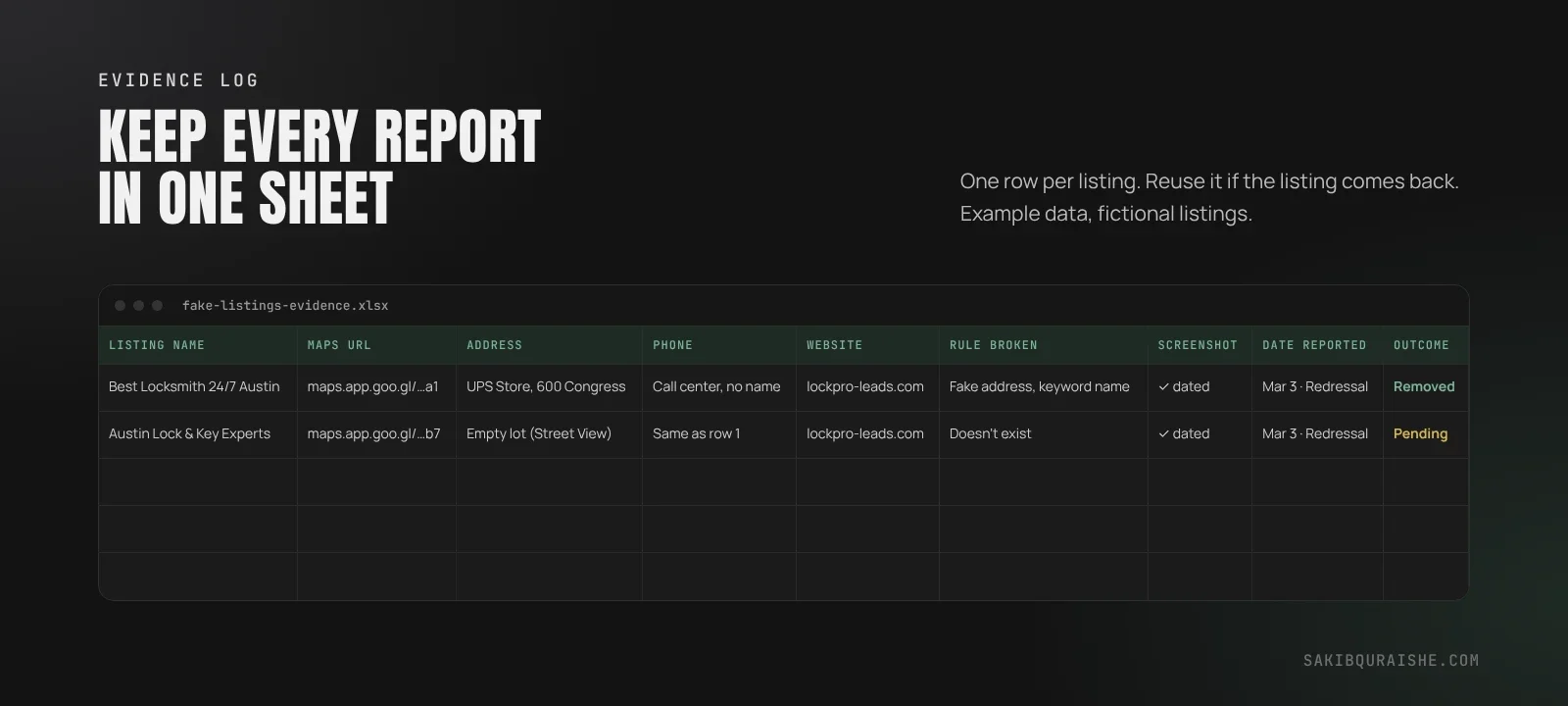
The evidence you should collect is anything that proves a specific rule is broken, saved with dates. Keep it in one spreadsheet so you can reuse it if the listing comes back:
| Column | What to record |
|---|---|
| Listing name | Exactly as shown on Maps |
| Maps URL | Share link from Google Maps |
| Address | As listed, plus what Street View shows |
| Phone | As listed, plus what happened when you called |
| Website | As listed, and whether it's shared with other listings |
| Category and hours | As listed |
| Rule broken | e.g. virtual office, keyword-stuffed name, doesn't exist |
| Screenshot link | Dated screenshot of the listing |
| Date reported | And which route you used |
| Outcome | Removed, edited, no change, came back |
How do you report a network of fake listings?
You report a network of fake listings as one case, not one listing at a time. Networks are common in trades like locksmiths, garage doors, towing, movers and roofers. Look for listings that share a phone number, website, hours or naming pattern.
- Search your main keywords across your area and note every suspicious listing.
- Fill one row per listing in your evidence spreadsheet.
- Highlight the shared details (same phone, same website, same hours).
- Submit one Redressal form with all the URLs and the spreadsheet attached. Google suggests 10–100 URLs per submission.
- Recheck monthly, and add any new or returning listings to your sheet.
You can also post your case, without personal data, in the Google Business Profile Help Community, where volunteer Product Experts sometimes help with clear, well-documented spam cases.
How do you report fake reviews on a competitor's profile?
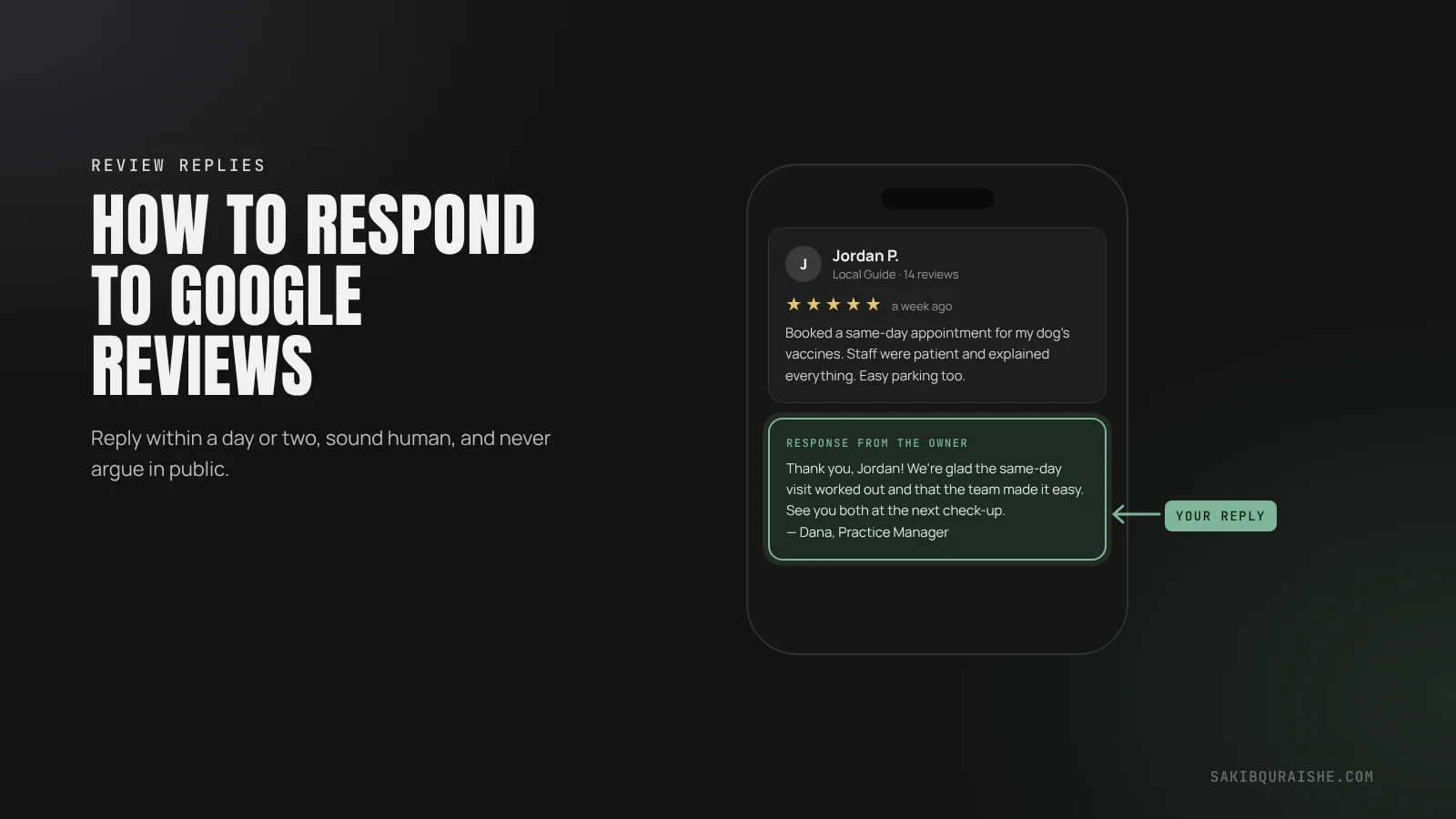
You report fake reviews on a competitor's profile by flagging each review in Google Maps: open the review, click the three dots, and choose Report review. Google's Maps content policy doesn't allow reviews that have been paid for, or incentives like discounts in exchange for reviews. If a competitor is clearly buying or incentivizing reviews, also use Report business conduct, found under Suggest an edit.
Signs of fake reviews: many 5-star reviews in a few days, reviewers with no other reviews or with reviews in distant cities, and generic wording repeated across reviews. These are signs, not proof, so report patterns rather than single reviews. For fake reviews on your own profile, see how to remove fake Google reviews.
What happens after you report a listing?
After you report a listing, Google reviews it privately, with no timeline and, for the Redressal form, no status updates. Possible outcomes:
- The listing is removed or its name is corrected.
- Nothing visible changes. Google may have decided it's within the rules, or not reviewed it yet.
- The listing comes back later, sometimes under a new name. Keep it in your spreadsheet and report it again with the history.
If a removed listing was ranking above you, your position may improve. If it doesn't, the competitor wasn't your main problem. See how long it takes to rank on Google Maps.
What should you never do?
You should never fight spam with spam. Google's content policy says merchants and users may not "post content on a competitor's place or business to undermine that business' or product's reputation."
Don't:
- leave fake negative reviews on a competitor;
- copy their tactics (keyword-stuffed name, virtual office);
- report real competitors just because they outrank you;
- flood Google with dozens of edit suggestions for the same listing.
Any of these can put your own profile at risk. See why Google Business Profiles get suspended.
More in the most common local SEO mistakes.
How do you protect your own profile?
You protect your own profile by keeping it verified, accurate and watched. Google announced new protections in April 2026, in its post New ways we're protecting businesses on Maps:
- Edit alerts: verified, active owners get email alerts about important edits to their profile before those edits go live.
- Review spike protection: if a sudden spike of spam reviews hits a profile, Google removes the fake content, pauses new reviews, alerts the owner and shows a notice to customers.
Your own checklist:
- Make sure notification emails go to an inbox someone reads.
- Check your profile's name, address, phone, hours and categories every month.
- Keep a steady flow of genuine reviews, so a fake one has less impact. See how to get more Google reviews.
- Run a GeoGrid scan to spot new listings appearing around you. See what is a GeoGrid scan.
For the full list, see the Google Business Profile checklist.
FAQ
Will the competitor know I reported them?
The competitor isn't shown your name when you use Suggest an edit, and Google doesn't say it tells businesses who reported them. The Redressal form does ask for your name and email for Google's use, so keep every report factual.
How long does Google take to remove a fake listing?
Google doesn't publish a timeline for removing fake listings. Some are handled quickly, others take weeks, and some aren't removed at all.
Can I report a listing more than once?
You can report a listing more than once, especially if you have new evidence or it came back after removal. Don't send repeated reports with nothing new.
Do I need to be the business owner to use the Redressal form?
You don't need to be the business owner to use the Redressal form. Anyone can report misleading listings, and you can file on behalf of someone you're authorized to represent.
What if a fake listing is using my business name?
If a fake listing is using your business name, report it through the Redressal form, explaining it's impersonating your business, and include proof that you own the real profile.
Is spam holding back your Maps rankings?
Sometimes a spam listing is the problem. Often it's only part of it. If you want to know what's really keeping you out of the map pack, request a free local map audit, or see my Local SEO service.
Sources
- Google Maps Help: Report a business on Google Maps: Suggest an edit steps, Redressal form, Report business conduct for incentivized reviews
- Google: Business Redressal Complaint Form: fields, content types, 10–100 URLs per submission, no guarantee or status updates
- Google Maps user contributed content policy: no posting on a competitor's place "to undermine" it; no paid reviews or incentives
- Google Business Profile guidelines: eligibility, virtual offices, coworking signage
- Google blog: New ways we're protecting businesses on Maps (April 16, 2026): 13M+ fake profiles removed, 292M+ reviews blocked or removed in 2025; edit alerts; review spike protection
- Search Engine Land: Google's review extortion report form