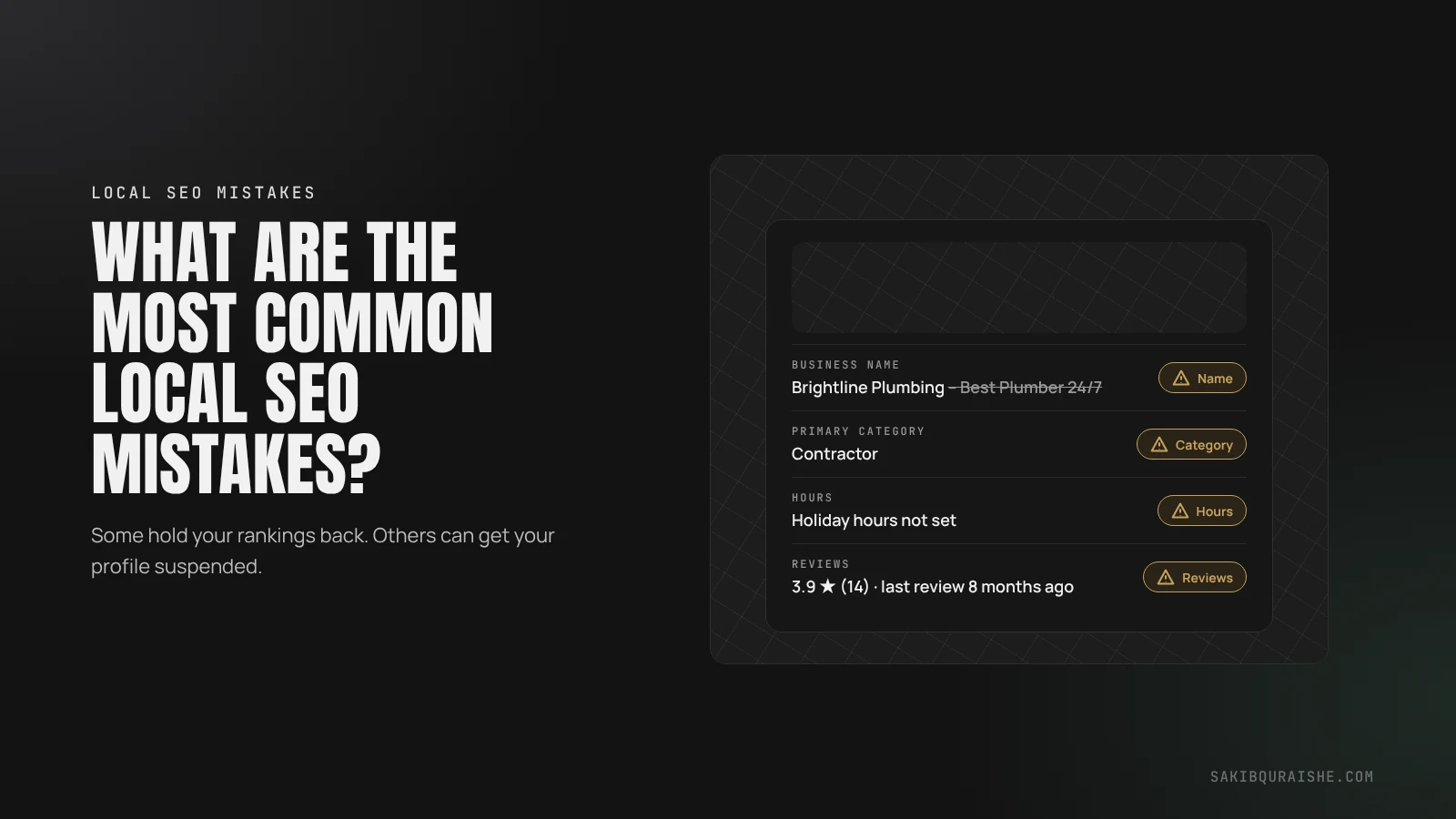
The most common local SEO mistakes are choosing the wrong primary category, leaving your Google Business Profile half-finished, having different business details on different sites, ignoring reviews, and publishing near-identical city pages. Some mistakes only hold your rankings back. Others, like stuffing keywords into your business name or using a virtual office, can get your profile suspended. This guide covers 20 of them, how to spot each one, and how to fix it.
- Biggest ranking mistake: the wrong primary category.
- Biggest suspension risks: keywords in your business name, fake or virtual addresses, and duplicate profiles.
- Review mistakes: not asking every customer, asking only happy ones, and not replying.
- Website mistakes: copy-paste city pages, no service pages, and details that don't match your profile.
- Outdated advice to drop: geotagging photos, posting Q&A, FAQ schema for rich results, citation blasts and link networks.
- Tracking mistake: judging rankings from one search at your office.
What are the most common local SEO mistakes?
The most common local SEO mistakes fall into eight groups. Here they are, with the 20 mistakes covered in this guide:
| Group | Mistakes |
|---|---|
| Business Profile | Wrong primary category, incomplete profile, wrong hours, weak landing page |
| Suspension risks | Keyword-stuffed name, fake or virtual address, duplicate profiles, big edits right after verification |
| Reviews | Not asking, asking only happy customers, not replying well |
| Website | Copy-paste city pages, no service pages, details that don't match, poor mobile experience |
| Listings and links | Citation blasts and no cleanup, bought links and link networks |
| Outdated advice | Following tactics that no longer work |
| Tracking | Judging rankings from one spot and not tracking calls |
| Strategy | Stopping too early and ignoring competitors |
New to local SEO? Start with what local SEO is and how it works.
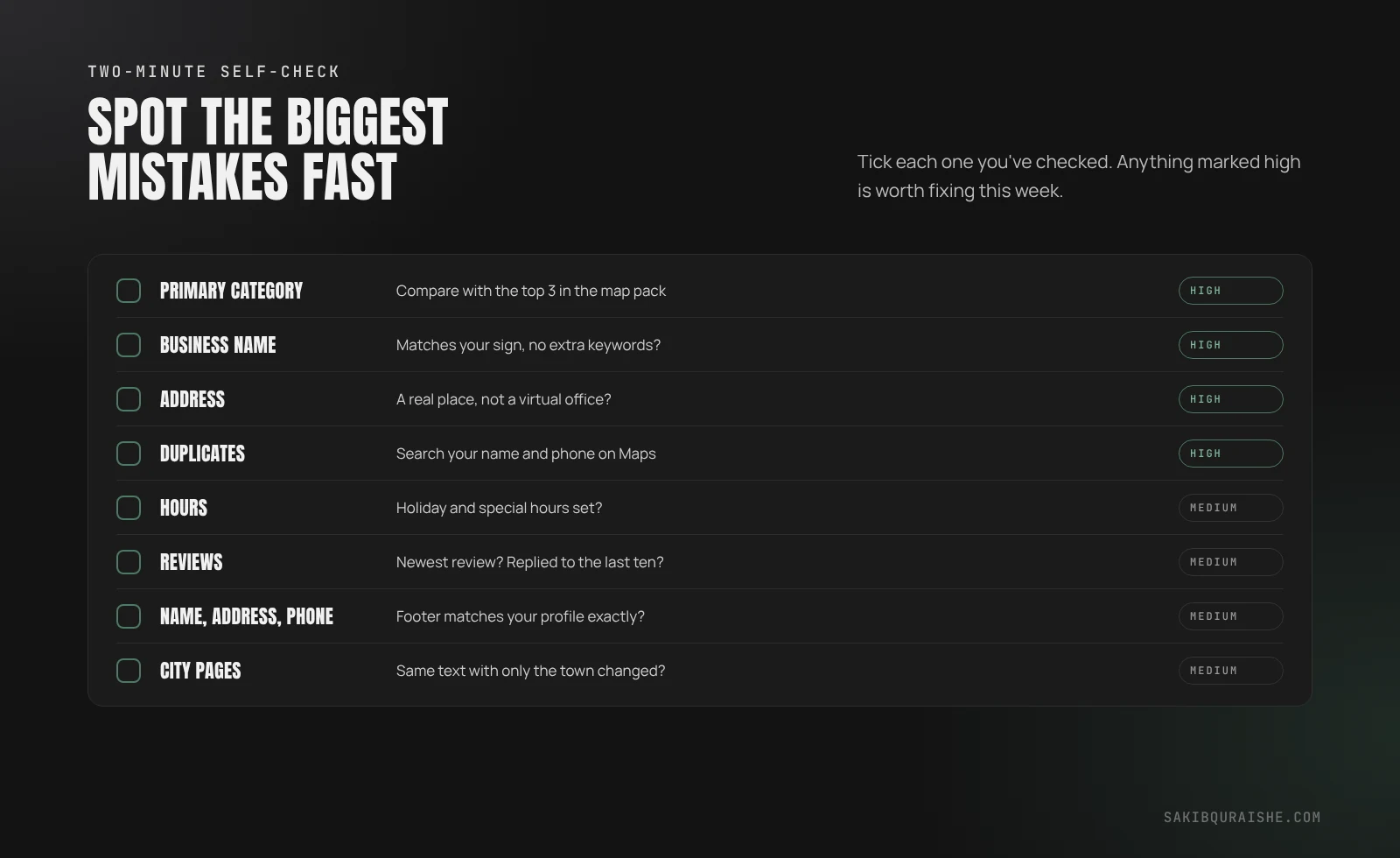
How can you spot the biggest mistakes in two minutes?
You can spot the biggest mistakes in two minutes by checking a few things on your own profile and website:
| Check | How to spot it | Impact |
|---|---|---|
| Primary category | Compare yours with the top three businesses in the map pack | High |
| Business name | Does it match your sign and website exactly, with no extra keywords? | High (suspension risk) |
| Address | Is it a real place customers visit, or a hidden base you work from? | High (suspension risk) |
| Duplicates | Search your business name and phone number on Google Maps | High |
| Hours | Are holiday hours and special hours set? | Medium |
| Reviews | When was your newest review? Have you replied to the last ten? | Medium to high |
| Name, address, phone | Does your website footer match your profile exactly? | Medium |
| City pages | Do your location pages read the same with only the town changed? | Medium (spam risk) |
Anything marked high is worth fixing this week. A full local SEO audit goes deeper.
What Google Business Profile mistakes hurt rankings?
These Business Profile mistakes don't break rules, but they quietly hold your rankings back.
1. Choosing the wrong primary category
Your primary category is one of the strongest signals you control. InWhitespark's 2026 Local Search Ranking Factors survey, it ranked as the top map pack factor. Choosing "Contractor" when you're a "Roofing contractor" can keep you out of the searches that matter.
Fix: match the most specific category used by the top businesses for your main service. See how to choose GBP categories.
2. Leaving the profile incomplete
Missing services, an empty description, no photos and no products give Google less to match against searches. Google says customers are70% more likely to visit a business with a complete profile.
Fix: fill in every field that applies. Start with the Google Business Profile checklist.
3. Wrong or missing hours
Being open at the time of a search was one of the top five map pack factors in Whitespark's 2026 survey. Wrong hours also send customers to a locked door.
Fix: keep regular hours correct, and add holiday hours before every holiday.
4. A weak or missing landing page
Your profile links to one page on your website. If that page is thin, slow or about something else, you waste the clicks your profile earns.
Fix: link to a page that matches your main service and location, with your name, address and phone in plain text. See on-page local SEO.
Which mistakes can get your profile suspended?
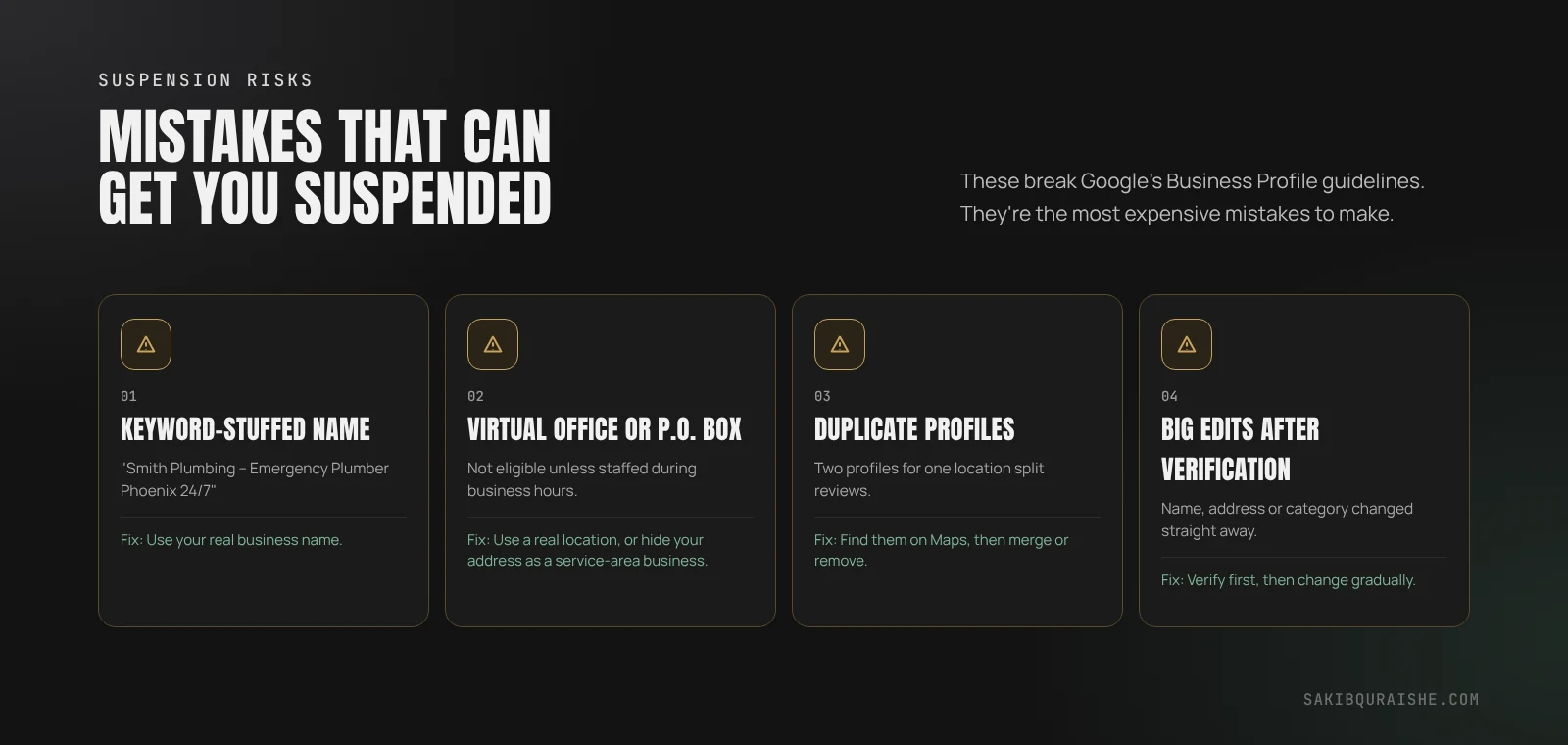
These mistakes break Google'sBusiness Profile guidelines and can lead to a suspension. They're the most expensive ones to make.
5. Stuffing keywords into your business name
Google's guidelines say "including unnecessary information in your business name isn't permitted." Changing "Smith Plumbing" to "Smith Plumbing – Emergency Plumber Phoenix 24/7" is the classic example. It can work for a while, which is why competitors do it, but it's a common reason for suspensions.
Fix: use your real business name, as it appears on your sign, website and paperwork. See keywords in your business name.
6. Using a virtual office, P.O. box or fake address
Google says a virtual office "isn't eligible for a Business Profile" unless it's staffed during business hours, and that "P.O. boxes or mailboxes located at remote locations aren't acceptable."
Fix: use your real location. If customers don't visit you, set up as a service-area business and hide your address. See service-area business vs storefront.
7. Having duplicate profiles
Two profiles for the same location split your reviews and confuse Google. Duplicates often come from an old address, a previous owner or a well-meaning employee.
Fix: find them by searching your name and phone number on Google Maps, then merge or remove them. See how to find and remove duplicate listings.
8. Making big edits right after verification
Changing your name, address or category straight after verifying (or after a reinstatement) can trigger another review of your profile.
Fix: verify first, then make changes gradually. If your profile is already suspended, see how to get a suspended profile back.
What review mistakes cost you customers?
Review mistakes cost you customers because reviews are what people read before they call.BrightLocal's 2026 survey found 97% of consumers read reviews for local businesses.
9. Not asking every customer
Most happy customers don't leave a review unless you ask. A few reviews a year can't compete with a competitor who gets several a week.
Fix: ask every customer, at the moment they're happiest, with a direct link or QR code. See how to get more Google reviews.
10. Asking only happy customers, or paying for reviews
Filtering out unhappy customers before asking is called review gating. Google's review policy bans "selectively soliciting positive reviews from customers," and fake or paid reviews can be removed and your profile restricted.
Fix: ask everyone the same way, and never offer money or discounts for reviews.
11. Not replying, or replying badly
Unanswered reviews, defensive replies and replies that reveal private details all hurt trust. For clinics, a careless reply can even break patient privacy rules.
Fix: reply to every review, keep it calm and short, and never confirm private details. See how to respond to Google reviews.
What website mistakes hold local businesses back?
These website mistakes make it harder for Google to understand what you do and where.
12. Publishing copy-paste city pages
Fifty pages that say the same thing with only the town name changed are doorway pages. Google'sspam policies treat doorway pages as spam.
Fix: only create a city or neighborhood page when you can add real local detail: projects, reviews, photos and local advice. See ranking in multiple cities without thin pages.
13. One page for every service
A single "Services" page listing everything gives Google one weak page instead of several strong ones.
Fix: give each main service its own page, with the service and city in the title tag and heading. See service pages vs location pages.
14. Details that don't match your profile
An old phone number in your footer or a different suite number on your contact page sends mixed signals to customers and search engines.
Fix: use exactly the same name, address and phone on your website and profile, and add LocalBusiness schema. See LocalBusiness schema.
15. A poor mobile experience
Most local searches happen on phones. Tiny buttons, slow pages and no click-to-call lose customers who are ready to act.
Fix: test your main pages on a phone, add a click-to-call button, and fix slow pages. Bigger speed problems may need aCore Web Vitals service.
What listing and citation mistakes cause problems?
16. Citation blasts and no cleanup
Paying for hundreds of directory submissions rarely helps, and it can spread wrong details you'll have to fix later. Meanwhile, old listings with your previous address or phone keep sending customers the wrong way.
Fix: focus on the main platforms and a few trusted industry directories, and clean up old listings first. See NAP consistency and why citation blasts don't work.
What link building mistakes should you avoid?
17. Buying links or using link networks
Bought links, private networks and "stacking" schemes built only to pass links break Google's rules. Its spam policies describe links "intended to manipulate rankings in Google Search results" as link spam.
Fix: earn real local links from sponsorships, local news, chambers of commerce and partners. See local link building or myLocal Link Building service.
Which mistakes come from outdated advice?
18. Following tactics that no longer work
Some local SEO advice was never true, and some stopped being true. These still appear in top-ranking articles:
| Outdated advice | What's true now |
|---|---|
| "Geotag your photos" | Google's John Mueller has said there's "no need to geotag images for SEO." A 10-week test reported bySearch Engine Land found it hurt rankings outside the targeted towns. |
| "Post questions and answers on your profile" | Google removed Q&A from Maps in December 2025 and replaced it with an AI-powered Ask button. |
| "Add FAQ schema for rich results" | FAQ rich results ended May 7, 2026. FAQs still help readers, but don't expect a rich result. |
| "Add review star schema to your own business" | Google treats reviews a business controls about itself as self-serving, so they aren't eligible for star rich results. |
| "Get reviews that mention your keywords" | ASterling Sky test found keywords in reviews didn't improve rankings. |
| "Add more service areas to rank further away" | Google's help page says service areas help people find you; nothing says they extend your rankings. |
Fix: check the date and source of any advice before acting on it. If something is called a "hack", it's usually outdated or against the rules. See the local SEO glossary for terms that have changed.
What tracking mistakes hide what's working?
19. Judging rankings from your office, and not tracking calls
A search from your desk only shows one spot. Customers a few miles away may see a completely different map pack. And without call tracking, you can't tell which work brought customers.
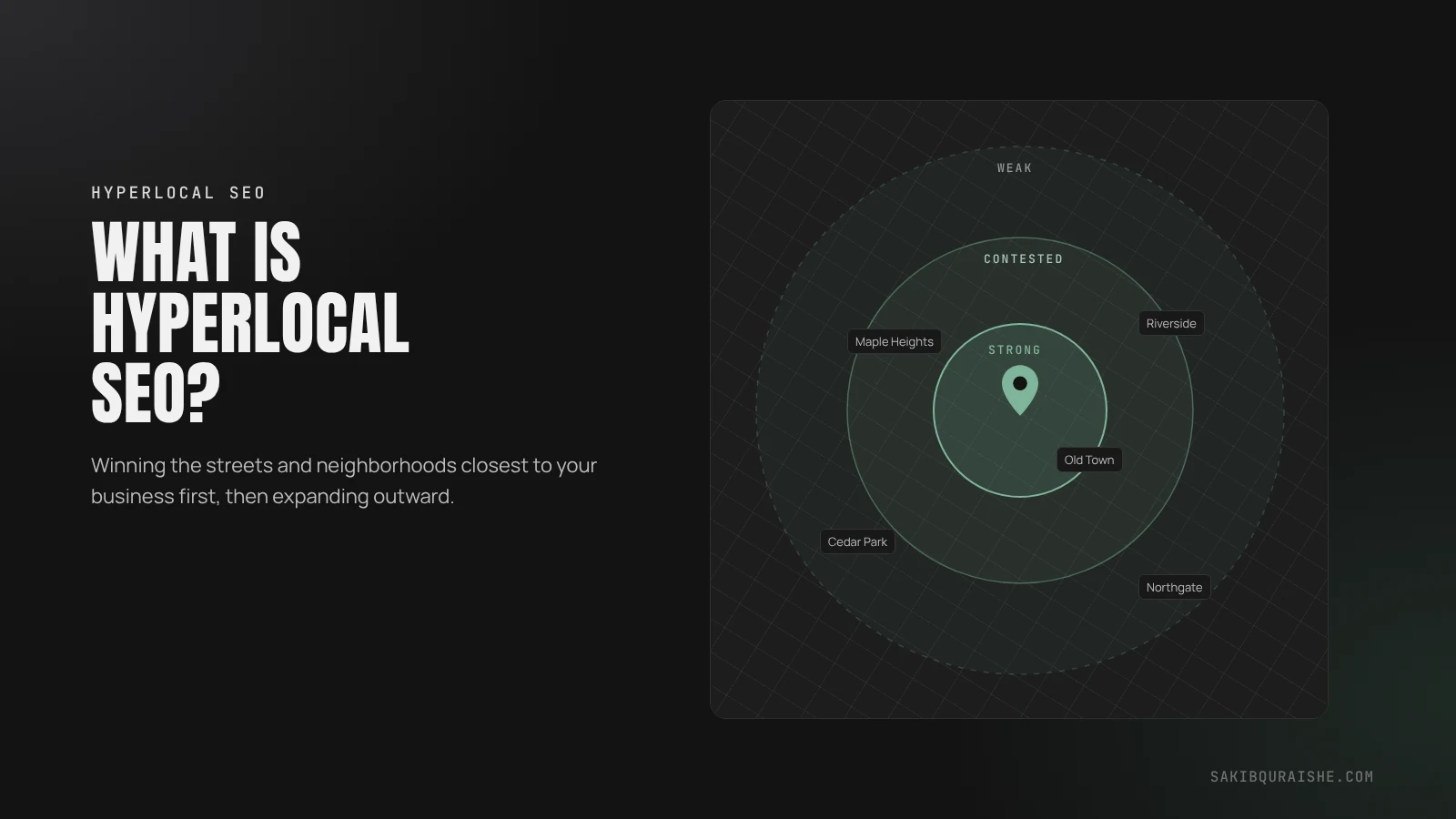
Fix: use a GeoGrid scan to see rankings across your area, and track calls, forms and direction requests by source. See what is a GeoGrid scan and local SEO KPIs.
What strategy mistakes waste the most money?
20. Stopping too early, and ignoring competitors
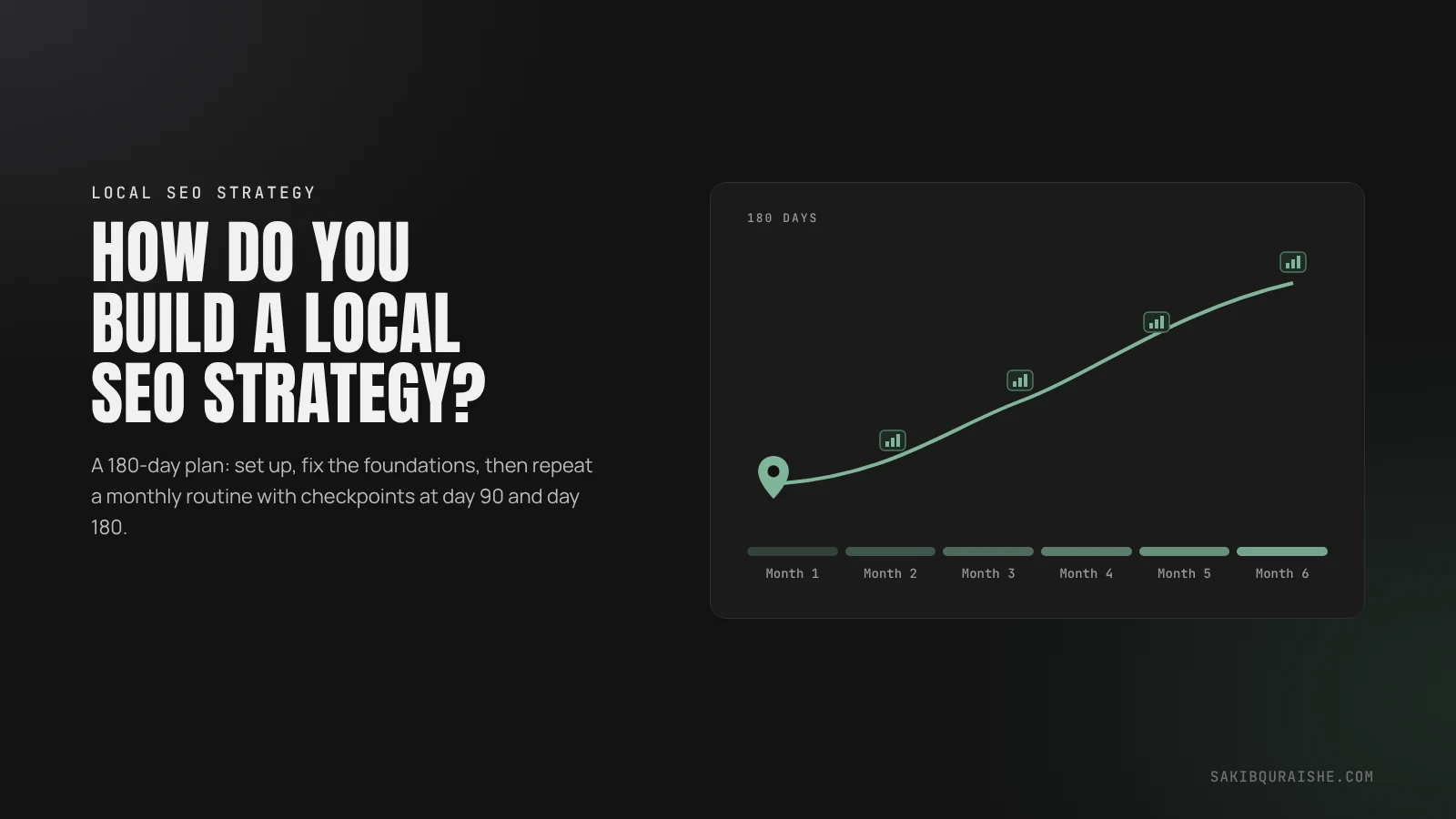
Most local businesses see clear map movement within 8 to 12 weeks, and crowded cities can take three to six months. Stopping after a month wastes the setup work. Ignoring competitors is just as costly: you can't beat the map pack without knowing what the top three are doing.
Fix: commit to at least a few months, review results monthly, and compare your categories, reviews and pages with the top three. See how to build a local SEO strategy.
As an example of what steady work can do, a cash home buyer in Oak Creek, Wisconsin went from an average map rank of 20.23 to 1.53 in four months (case study).
Which local SEO mistakes should you fix first?
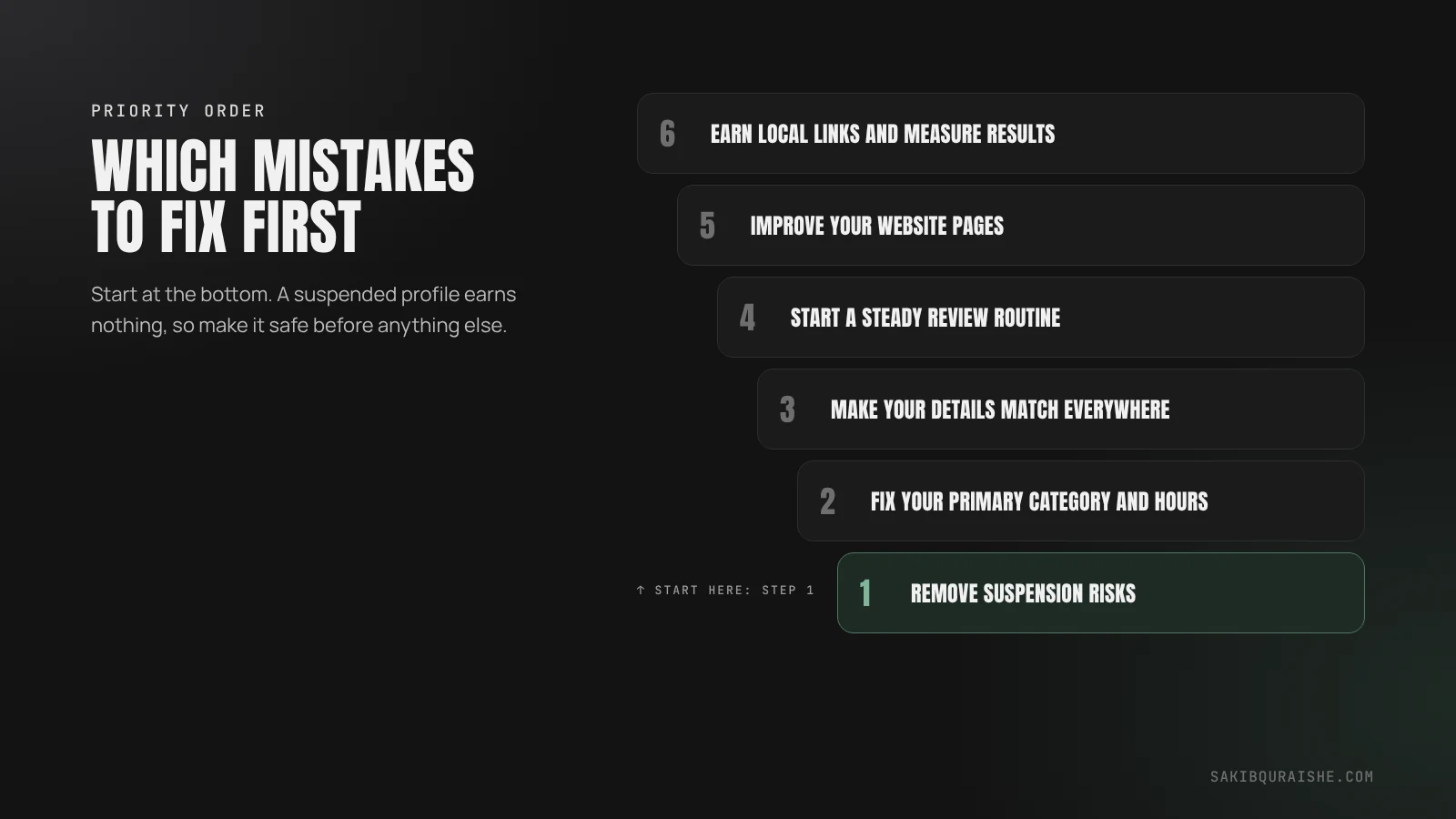
You should fix the mistakes that can get you suspended first, then the ones that stop you showing up, then the ones that slow your growth. A suspended profile earns nothing, so no amount of review or website work matters until it's safe.
Here's the order I'd follow:
- Remove suspension risks. Clean up your business name, confirm your address is real and eligible, and merge any duplicate profiles. These are quick to fix and the most expensive to ignore.
- Fix your primary category and hours. These decide which searches you can show up for and whether Google shows you as open.
- Make your details match everywhere. Your website, profile and main listings should show the same name, address and phone.
- Start a steady review routine. Ask every customer, reply to every review, and keep new reviews coming each month.
- Improve your website pages. Give each main service its own page, and replace copy-paste city pages with useful local ones.
- Earn local links and measure results. Build real local links, then track rankings across your area and the calls they bring in.
If the first three steps feel technical, myGoogle Business Profile optimization service covers them. Website problems like crawl errors, broken pages and missing schema fall undertechnical SEO.
Why this order? Fixes near the top tend to show results fastest because they unlock searches you weren't eligible for. Fixes near the bottom take longer but build the lead that keeps competitors behind you. Skipping straight to links or content while your category is wrong is one of the most common ways budgets get wasted.
FAQ
What is the biggest local SEO mistake?
The biggest local SEO mistake is choosing the wrong primary category, because it decides which searches your profile can show up for.
Which local SEO mistakes can get my profile suspended?
The local SEO mistakes most likely to get your profile suspended are keyword-stuffed names, virtual offices or fake addresses, duplicate profiles and fake reviews.
Should I geotag my photos?
You don't need to geotag your photos. Google's John Mueller says there's no need, and a 27-business test found it hurt rankings outside the targeted towns.
Are city pages bad for local SEO?
City pages aren't bad for local SEO when each one has real local detail. Copy-paste pages with only the town name changed are treated as doorway pages.
How many citations do I need?
You don't need a set number of citations. Accurate listings on the main platforms and a few trusted industry sites matter more than volume.
How long does it take to fix local SEO mistakes?
Most local SEO mistakes take minutes to a few days to fix, but rankings usually take a few weeks to respond. Suspension appeals and duplicate merges can take longer.
Can a provider fix all of these for me?
A local SEO provider can fix most of these, but you'll still need to ask customers for reviews. See what a local SEO service includes.
Want to know which mistakes you're making?
I'll check your Business Profile, website and listings against this list, run a GeoGrid scan, and tell you which fixes will make the biggest difference first.Request a free local map audit, or see myLocal SEO service.
Sources
- Google Search Central
- Whitespark
- BrightLocal
- Search Engine Land
- Search Engine Roundtable
- Search Engine Roundtable
- Google review policy on review gating ("selectively soliciting positive reviews"), as reported by Search Engine Roundtable
- FAQ rich results ended May 7, 2026 (Google Search Central)
- Sakib's Local SEO service page, for the 8 to 12 weeks and 3 to 6 months timelines